


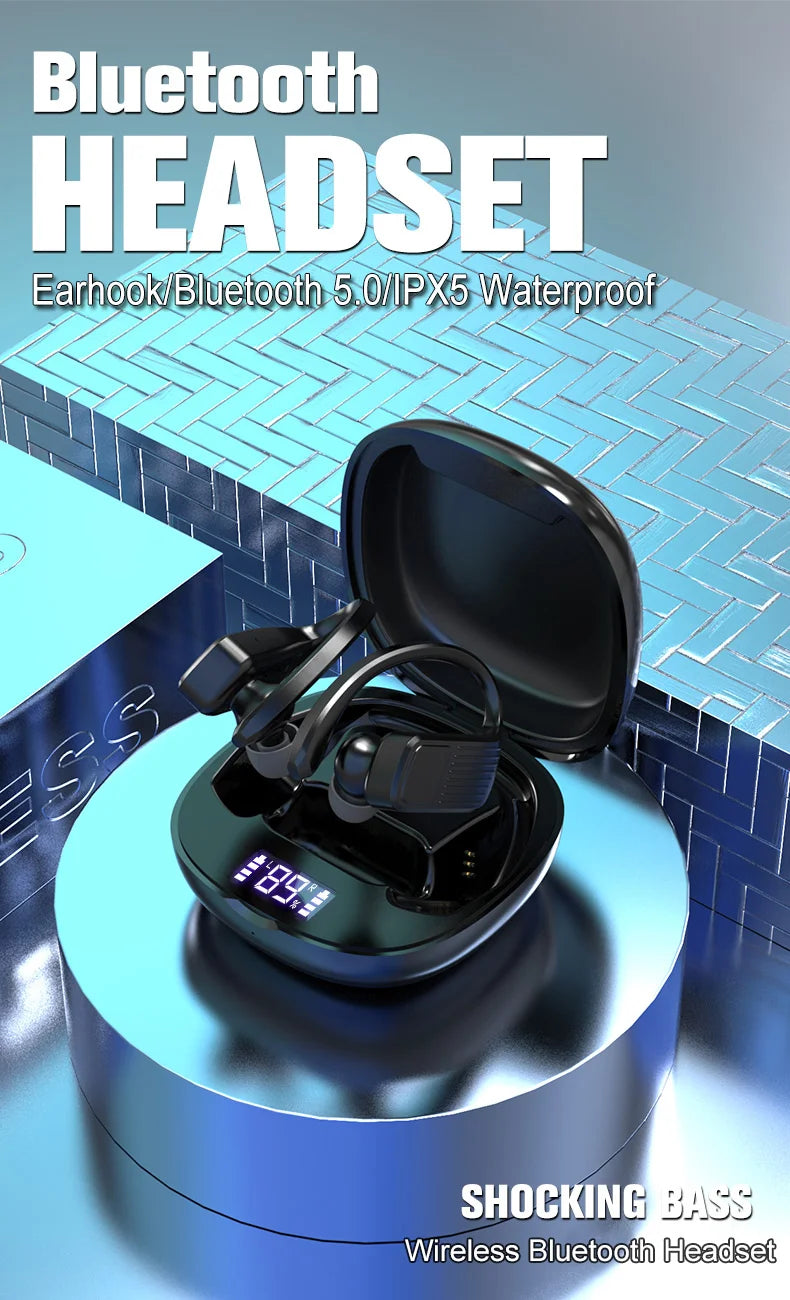
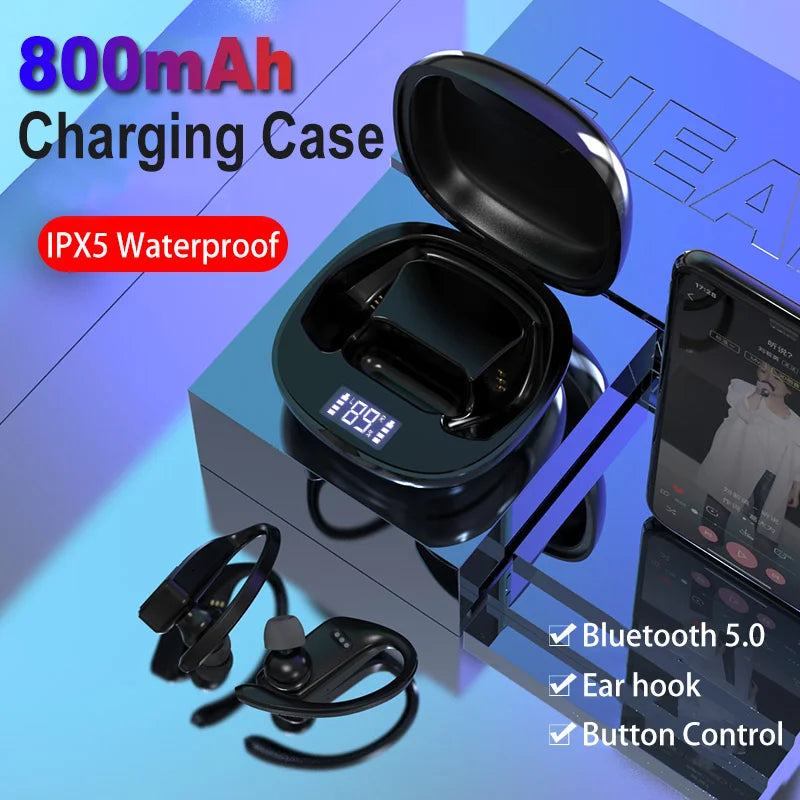
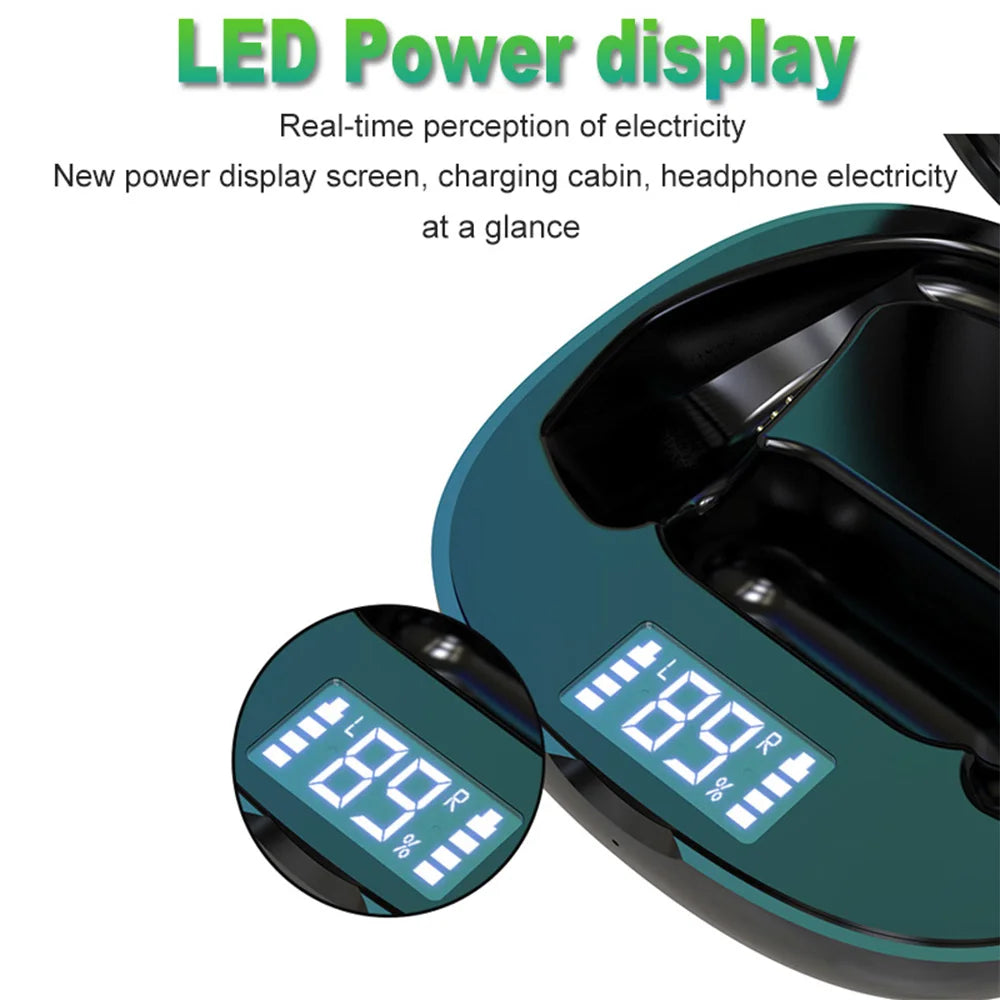
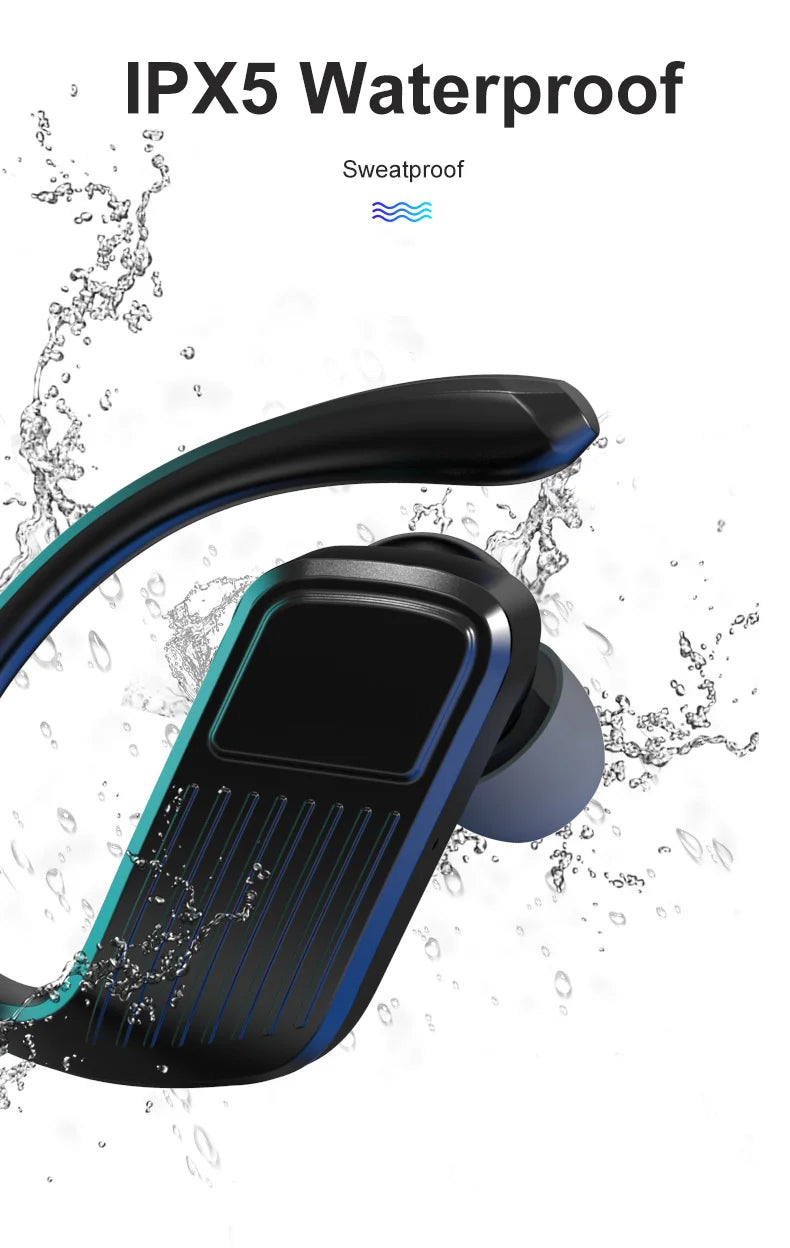
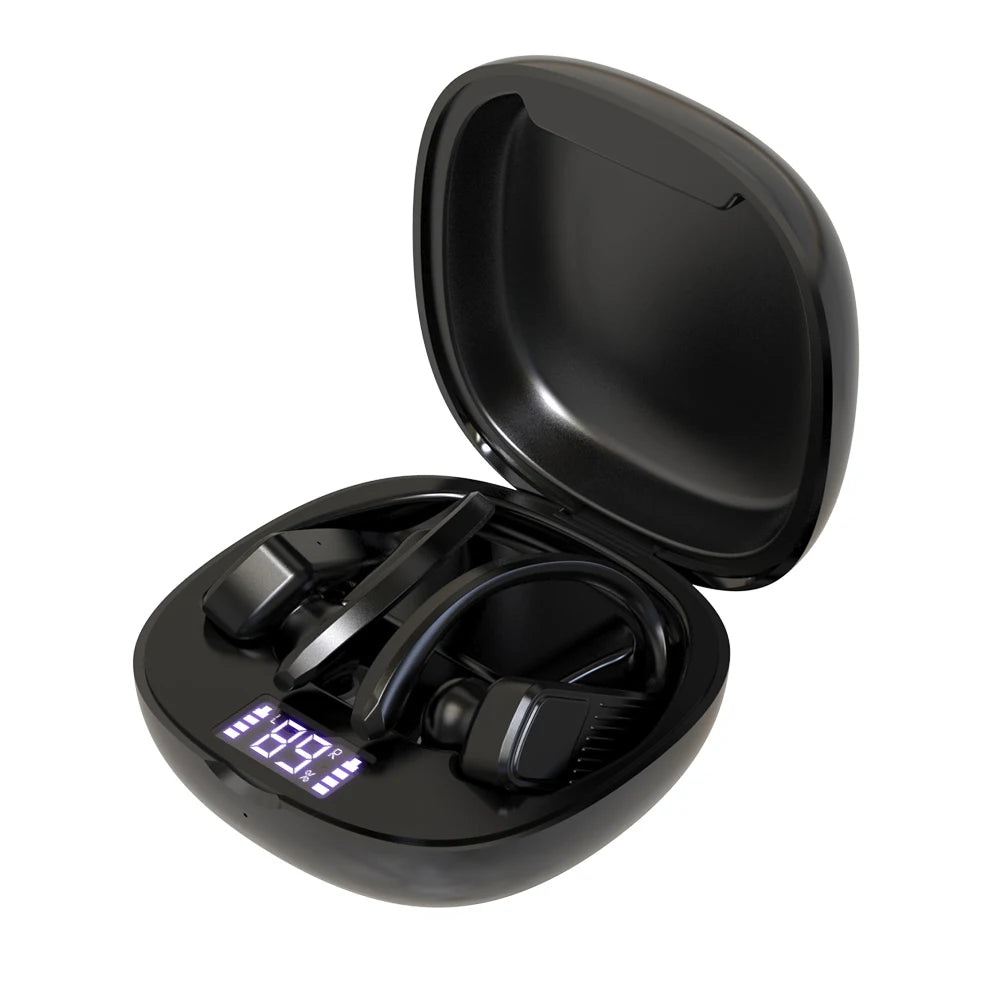
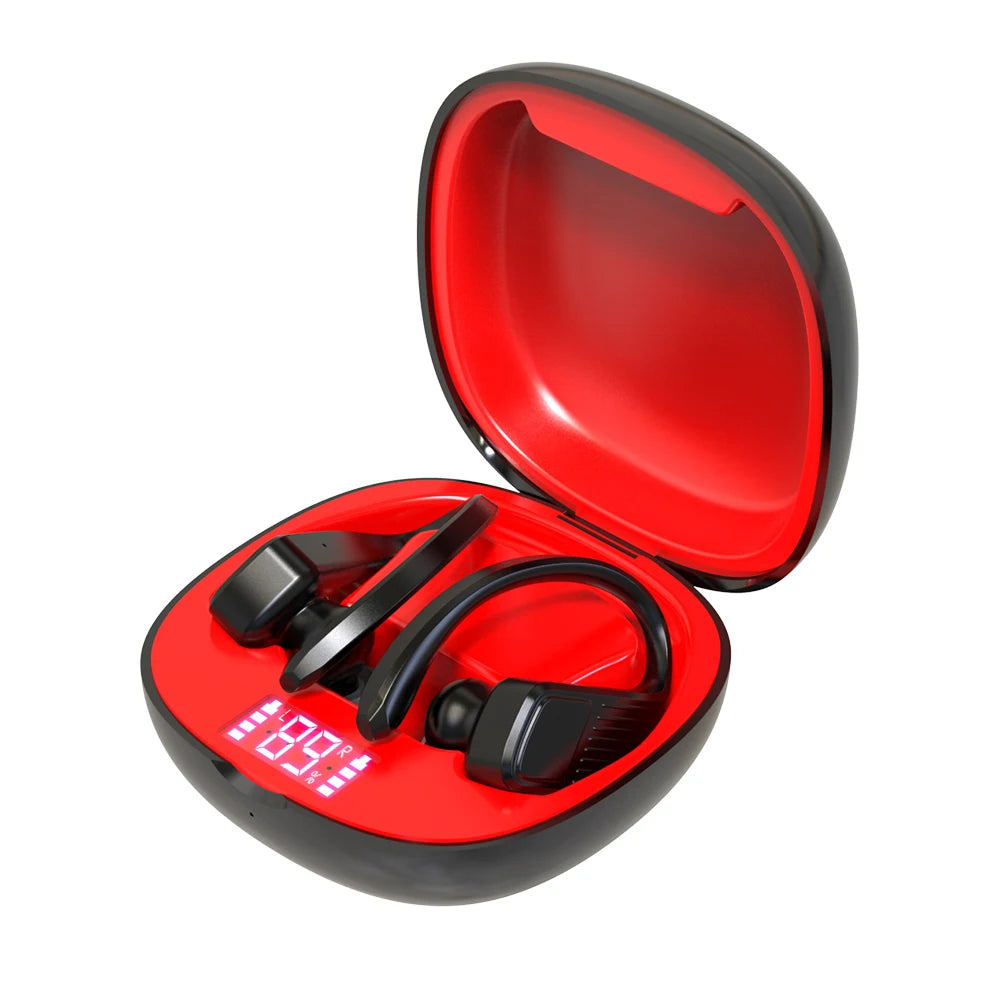
T11 Led Display Bluetooth Earphones TWS Wireless Sports headphones earburds Waterproof 8D Stereo Handsets with MIC charging case
- Free worldwide shipping
- In stock, ready to ship
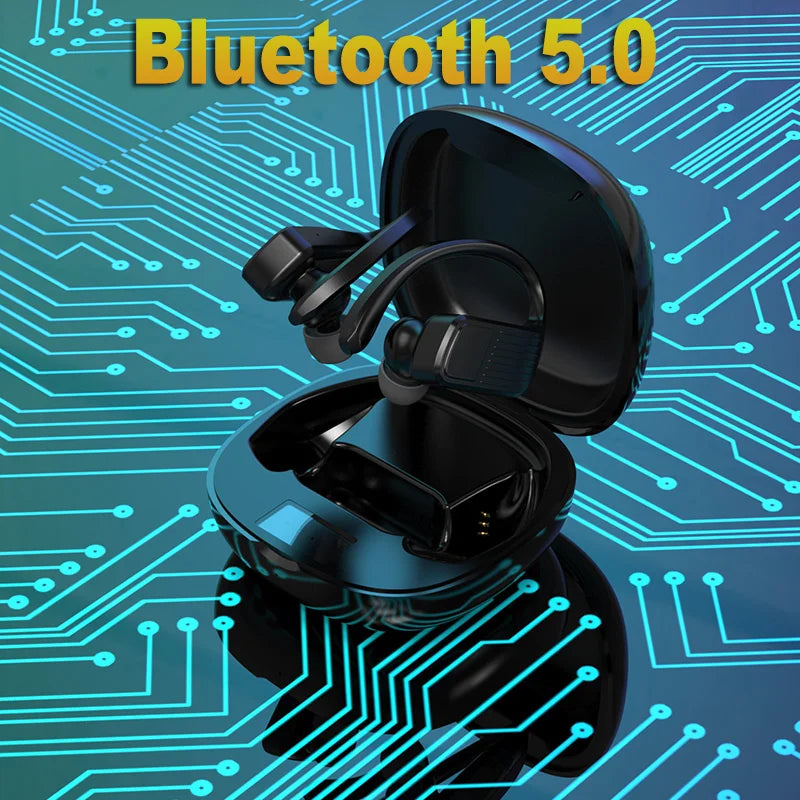
Bluetooth v5.0
Chip Jerry 6936d
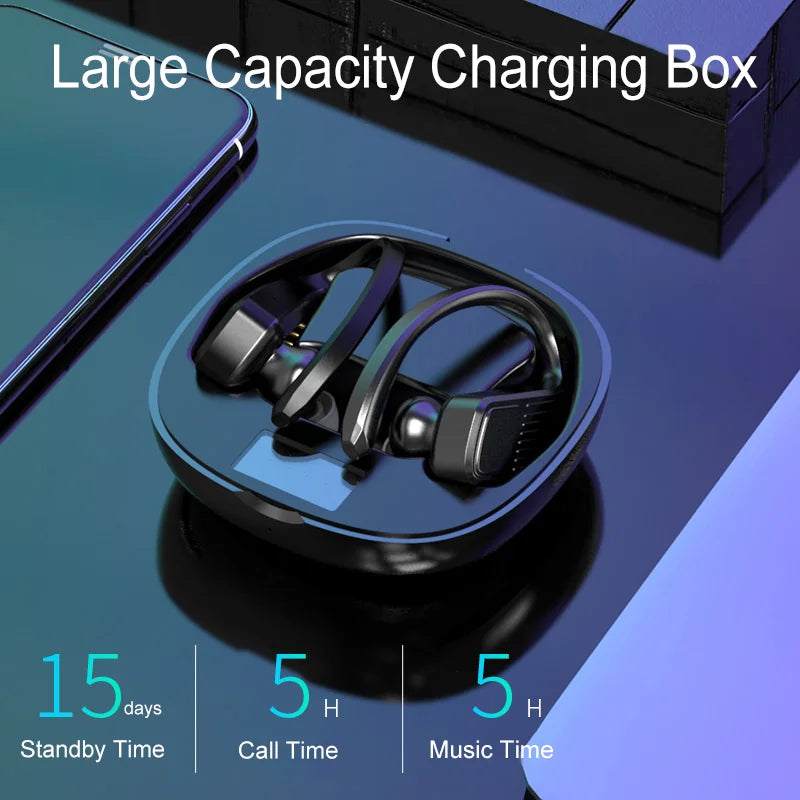
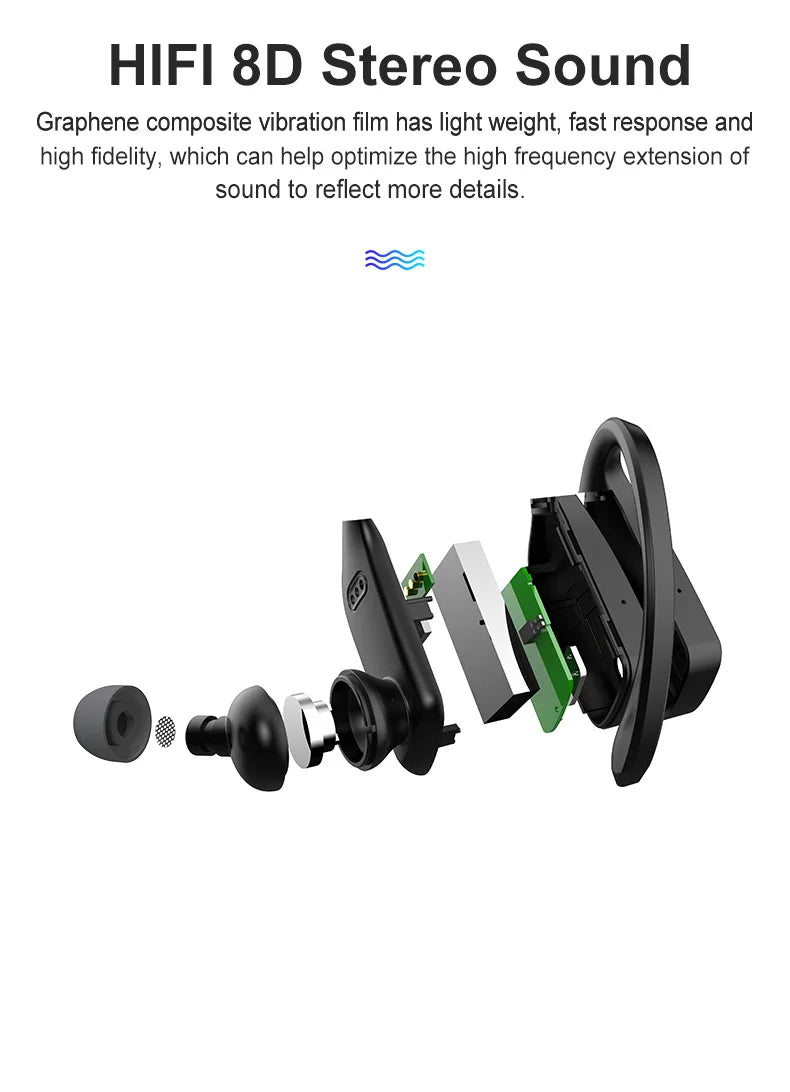
* Bluetooth profiles supported: HSP/HFP/A2DP/AVRCP * Operation range: up to 10 meters * Bluetooth working frequency:2.4G-2.485GHz * Charging input:DC5V/1A * Earphones battery: 401025 / 3.7v / 70mAh *2 * Charging case battery: 993035 / 3.7v / 800mAh * Working time: 6-7 hours * Standby time: 120 hours Driver: * Size: 10*5mm/Φ8mm/32Ω * Sensitivity:103±3dB * Frequency response:50HZ-5KHZ MIC: * Type: 3722 MEMS/42dB ±3DB * Frequency response:100HZ-10KHZ * Charging type: USB * Size: earphones-54*36*27mm charging case-80*80*41mm * Weight: 8.5+80g 1) Turn on/off * Power on: Taking the both earphone out of the charging case, then searching for the pairing name ‘’Rambotech RP12’’ * Power off: Put the both earphone back into the charging case 2) Listen Music * Play/Pause Music: short press(R & L) * Previous song: double click the left earphones * Next song:double click the right earphones * Volume down: triple click the left earphone * Volume up: triple click the right earphone 3) Talking on a phone call * Answer the phone: single click when incoming call * Hang up: single click when in a call * Reject:long press around 2 seconds 4) Activate Siri: long press the multi function button around 2 seconds 5) Resetting earphones:long press the multi function button around 10 seconds in the off status
You will be responsible for paying for your own shipping costs for returning your item. Shipping costs are non-refundable. If you receive a refund, the cost of return shipping will be deducted from your refund. Depending on where you live, the time it may take for your exchanged product to reach you, may vary. If you are shipping an item over $75, you should consider using a trackable shipping service or purchasing shipping insurance. We don’t guarantee that we will receive your returned item.
